Lead details and status
Everything about a lead in one place, and how to move it through your pipeline.
1The lead page
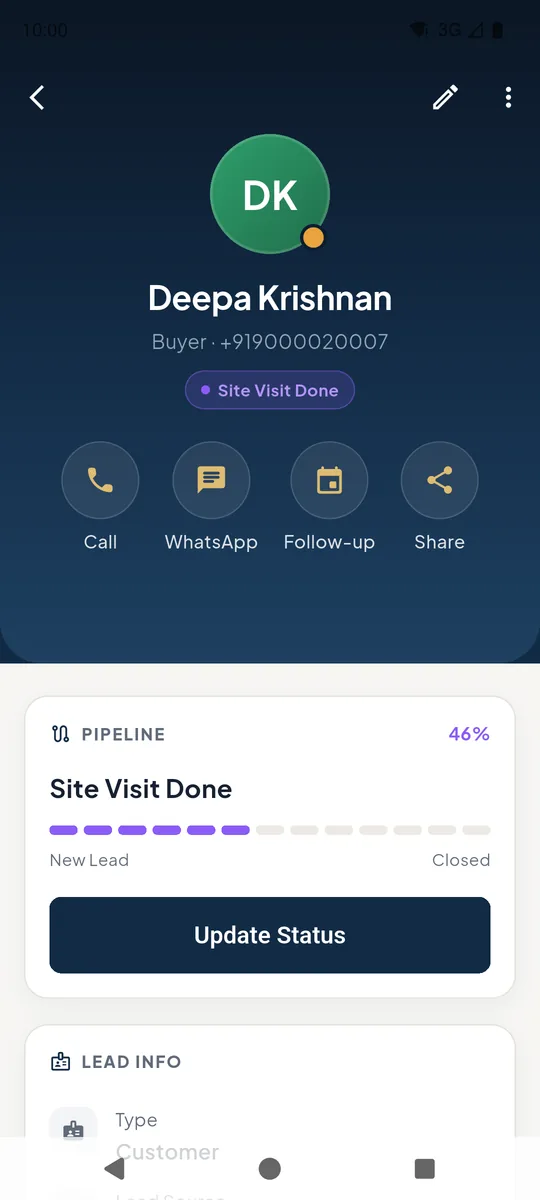
At the top: Call, WhatsApp, Follow-up and Share 1. The pencil 2 edits the lead.
The pipeline bar shows how far the lead has come. Tap Update Status 3 to move it.
 123
123Lead details 2Update the status
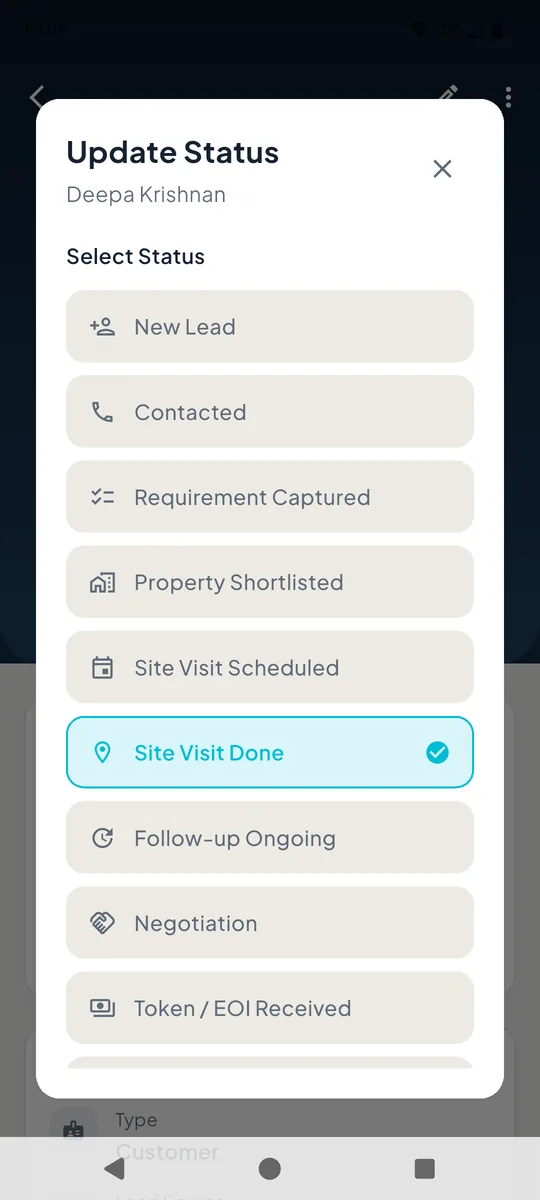
Choose where the lead is now - from New Lead through Site Visit Done 1 and Negotiation to Closed. The Pipeline board moves with it.
 1
1Update status list 3Requirements, project links and history
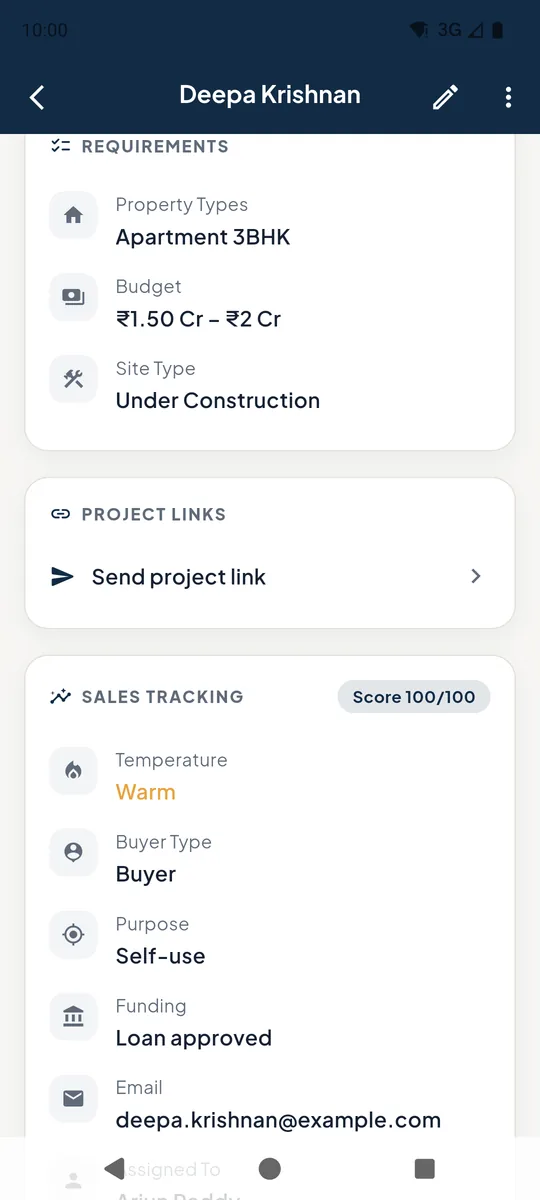
Scroll down for the requirement, Send project link (send a project's details to the client), sales tracking, the next follow-up and the full history of calls and notes.
Tap Add Note in History to record what was discussed.
Lead requirements and sales tracking 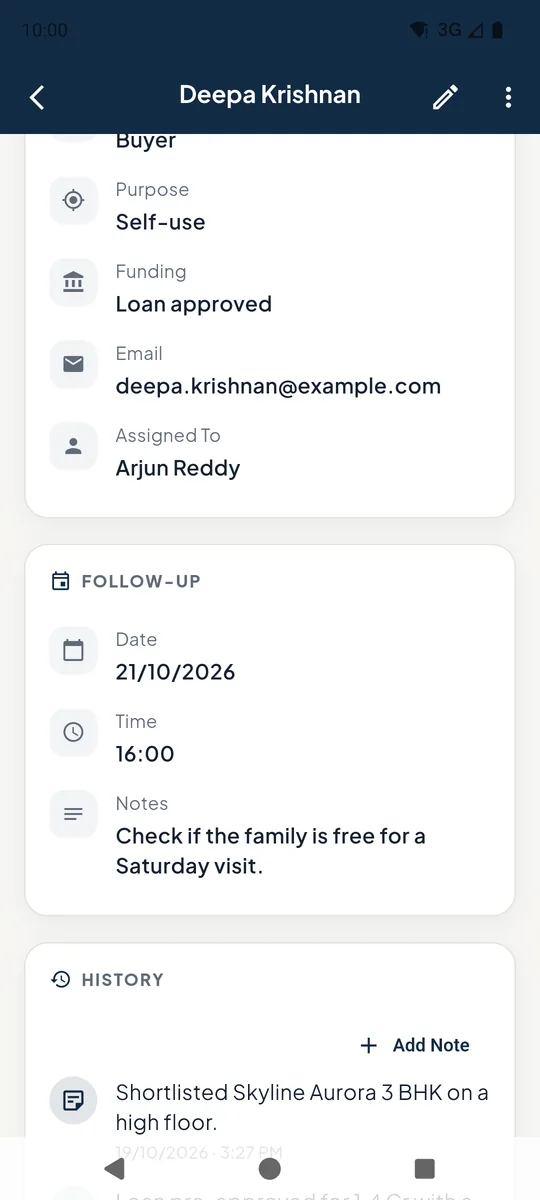
Lead follow-up and history
Still stuck? Email supportNext: The after-call popup →