Profile, settings and help
Edit your details, change settings, and contact support.
1Profile
Profile shows your details and plan. The pencil 1 edits your profile; the gear 2 opens Settings.
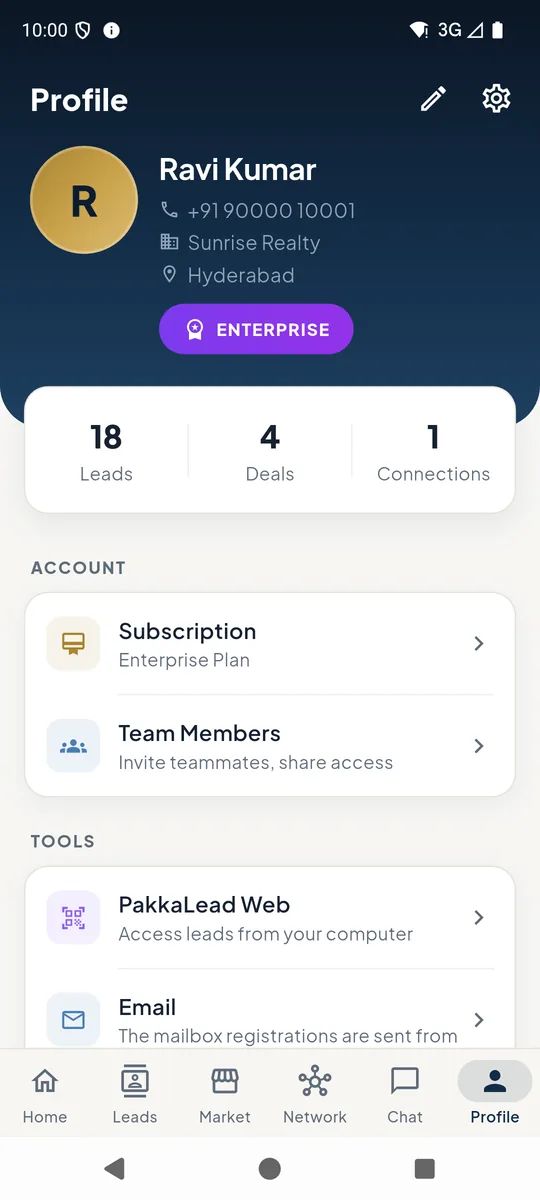 12
12Profile 2Settings
Dark mode, the phone calendar, saving leads to your phone's contacts, team and pipeline settings, and the call popup. Delete Account at the bottom removes your account and data.
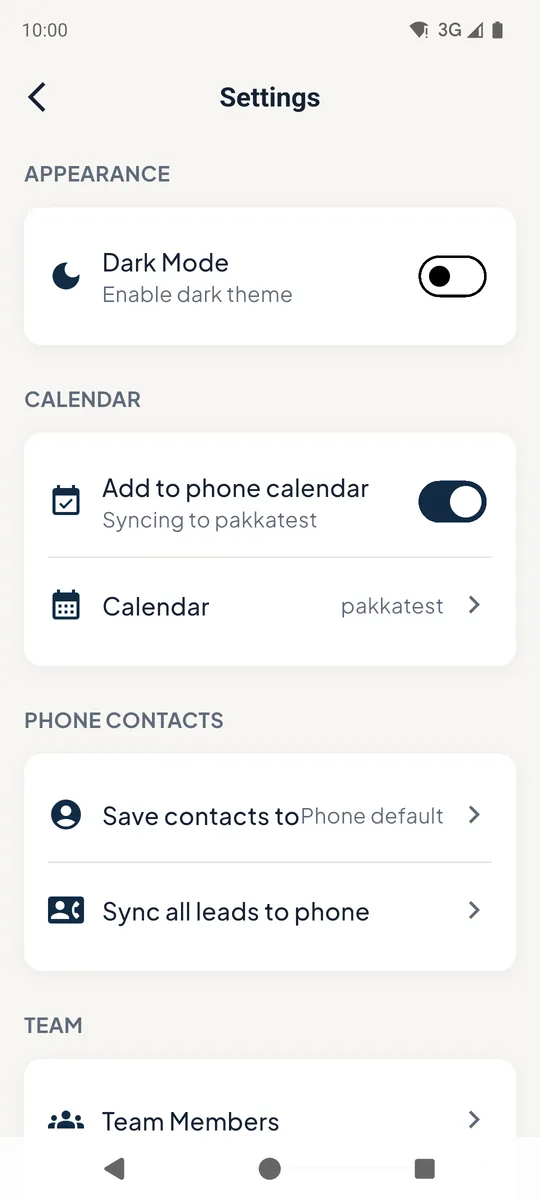
Settings 3Help and About
Help & Support emails our team and links to the privacy policy, terms and data deletion. About shows your app version.
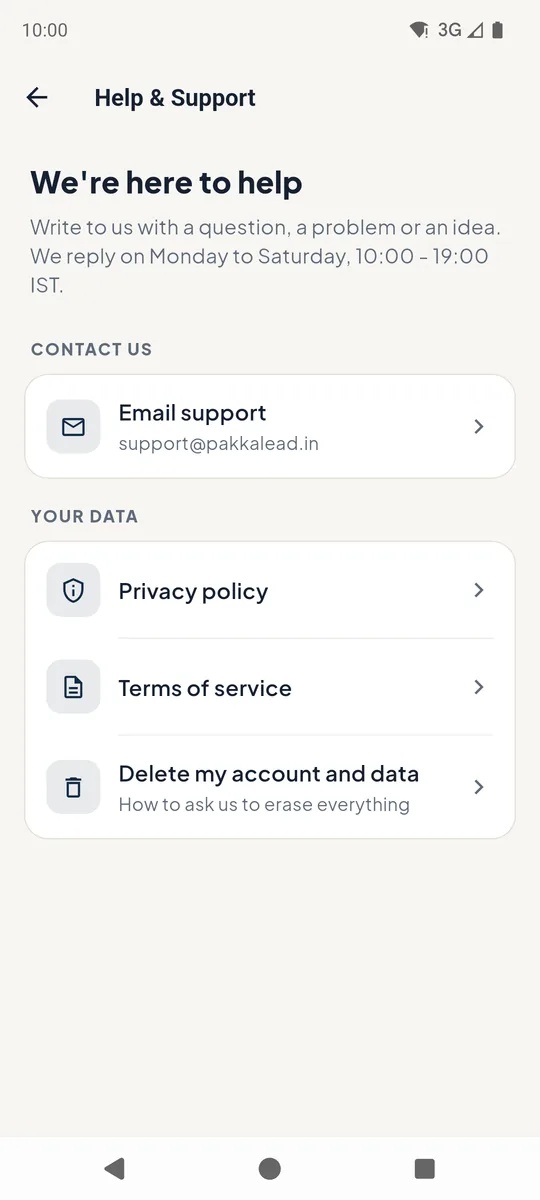
Help and support 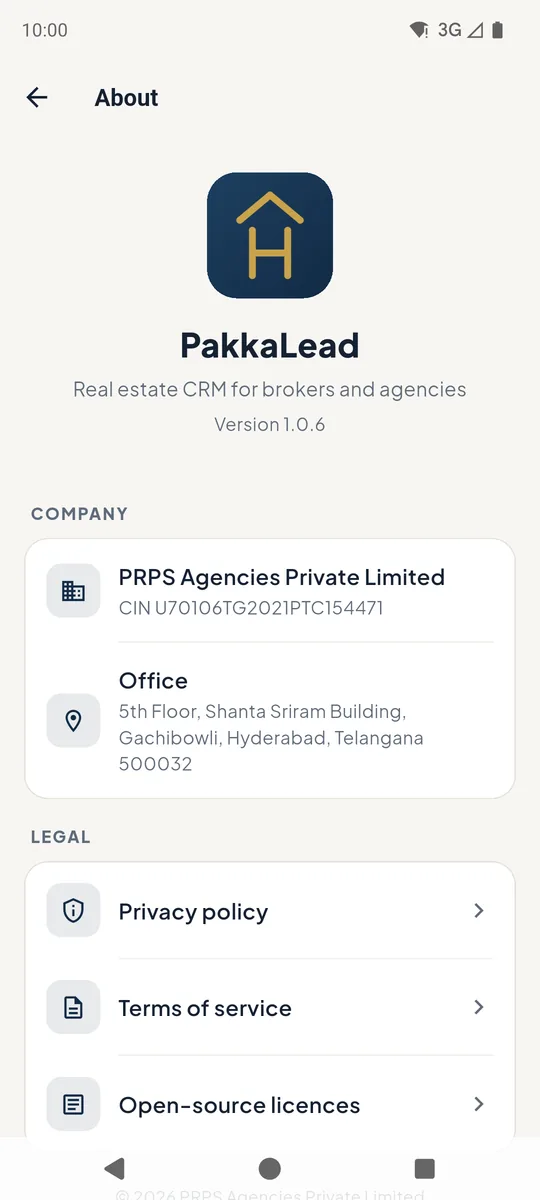
About
Still stuck? Email supportNext: Sign in on the web →