Network and chat
Connect with other agents, share leads and message them.
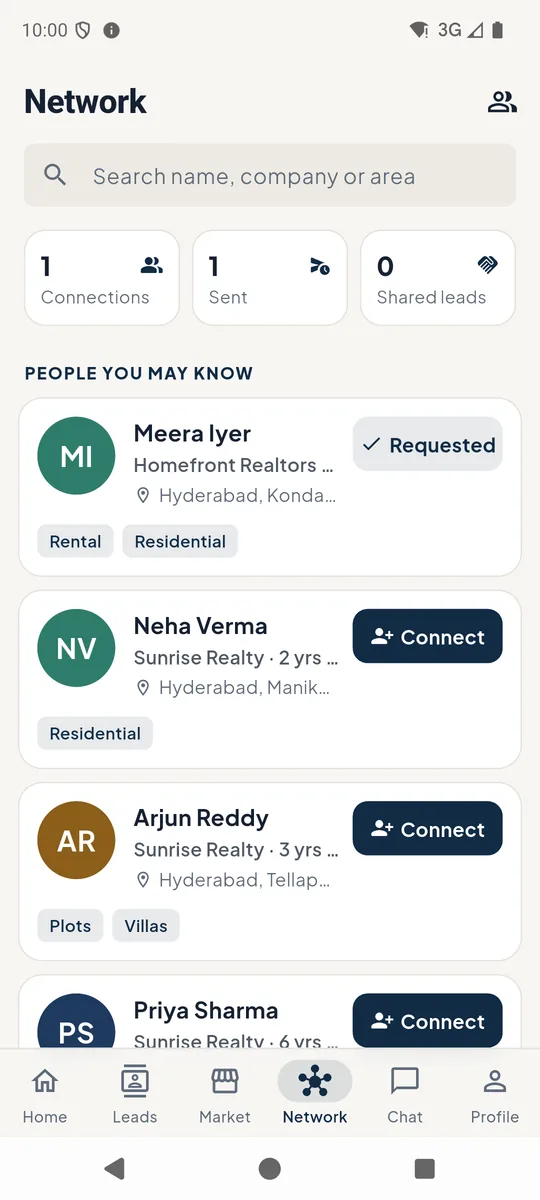
1Your network
Network shows your connections, requests you've sent and leads shared with you 1. People you may know suggests agents who work your areas - tap Connect to send a request 2.
The people icon 3 opens My Network.
 123
123Network 2Connections and requests
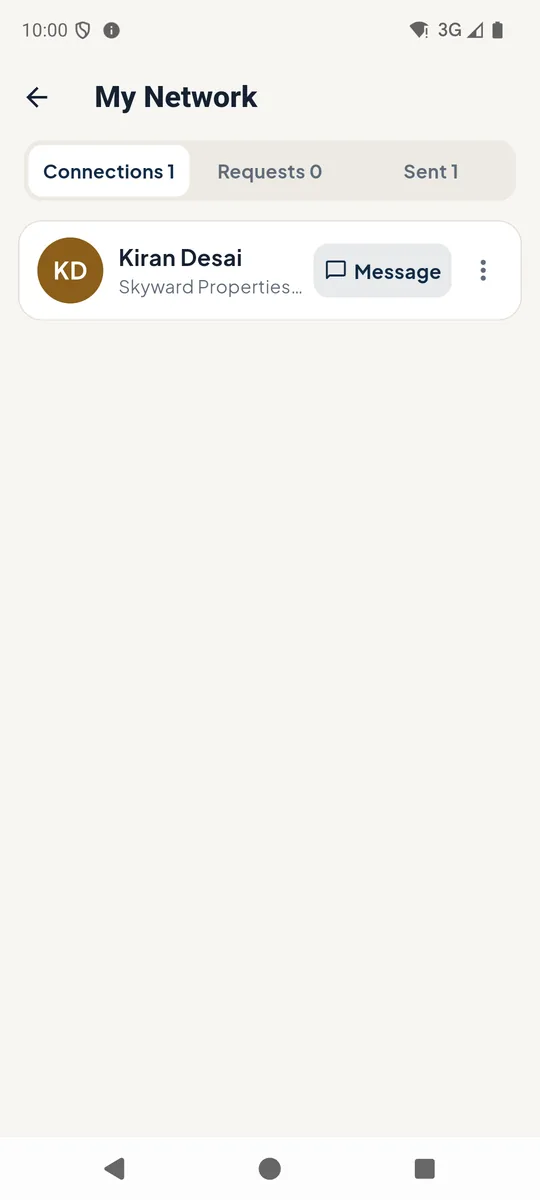
Connections, Requests (people asking to connect with you) and Sent (your requests waiting for a reply).
Tap Message 1 to chat with a connection, or open their profile.
 1
1My network 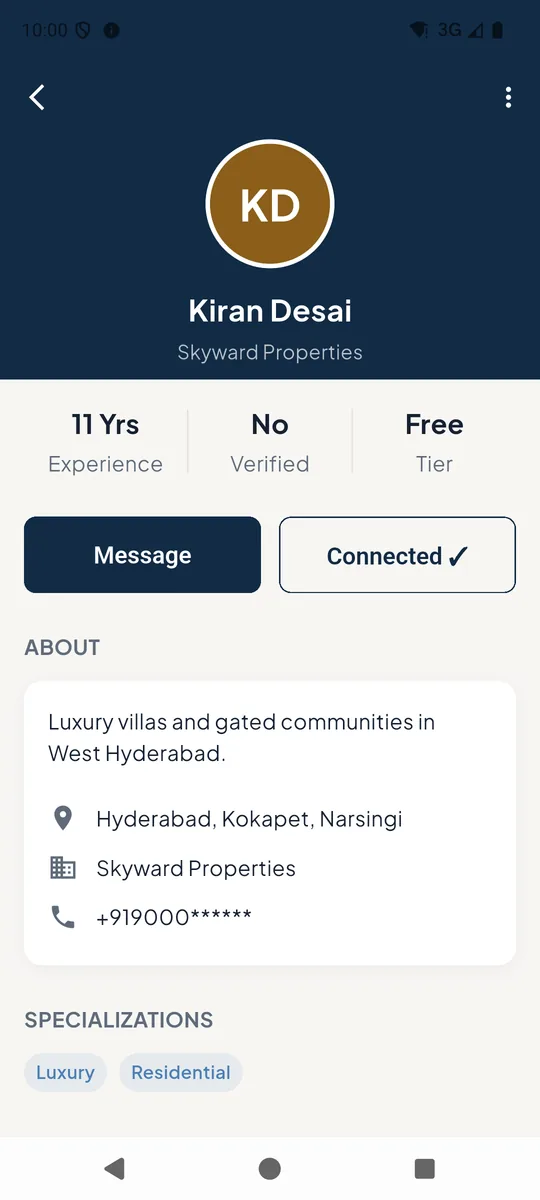
Agent profile 3Chat
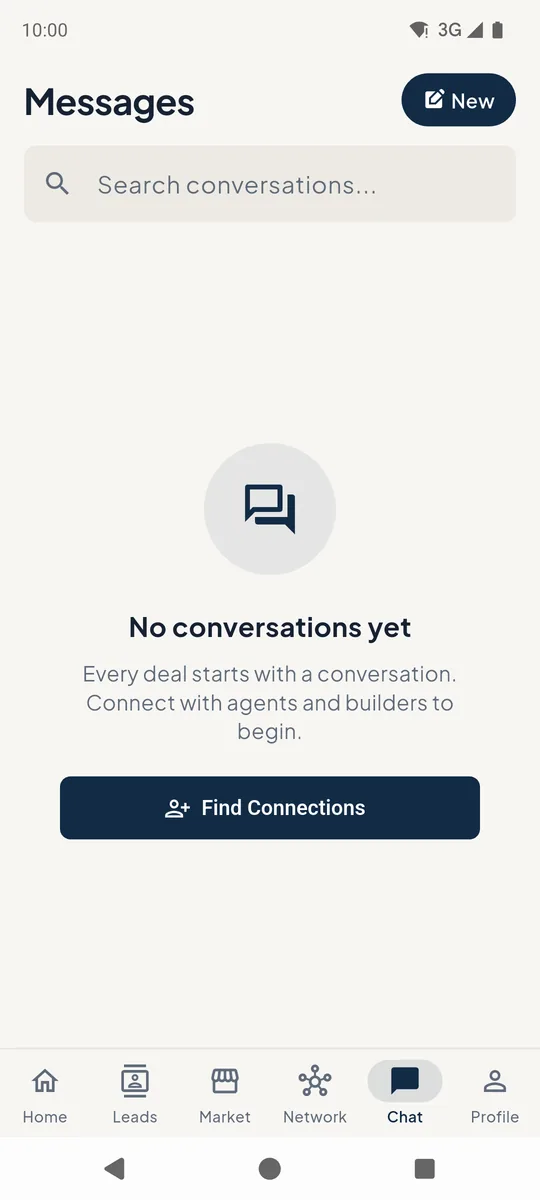
Chat lists your conversations. Tap New to message a connection, or Find Connections if you have none yet.
Messages
Still stuck? Email supportNext: Add team members →